10 Notion shortcuts you should start using today
You already know your way around Notion, but your workflow still feels a little slower than it should. Ready to speed things up?
In this article, I am sharing 10 of my favorite Notion shortcuts. They are simple, practical, and easy to turn into daily habits.
1. Quick find: search anything from anywhere
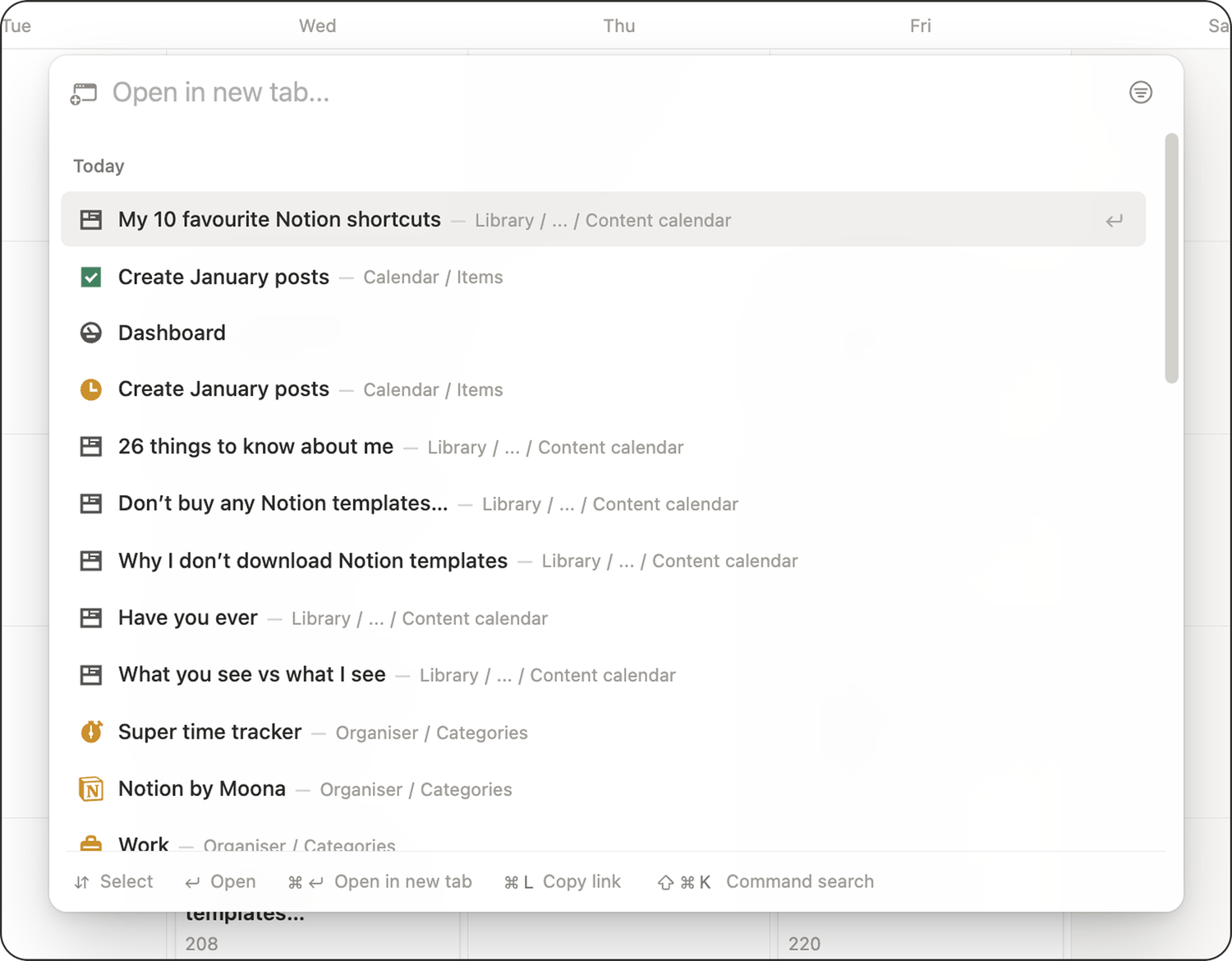
Shortcut: Cmd + P (Mac) or Ctrl + P (Windows)
Quick find is the fastest way to jump anywhere in your workspace. Use it to:
👉 Open any page without clicking through your sidebar.
👉 Find a database view you forgot where you saved.
👉 Search for keywords across pages when you do not remember the exact title.
2. Create new: add anything in seconds
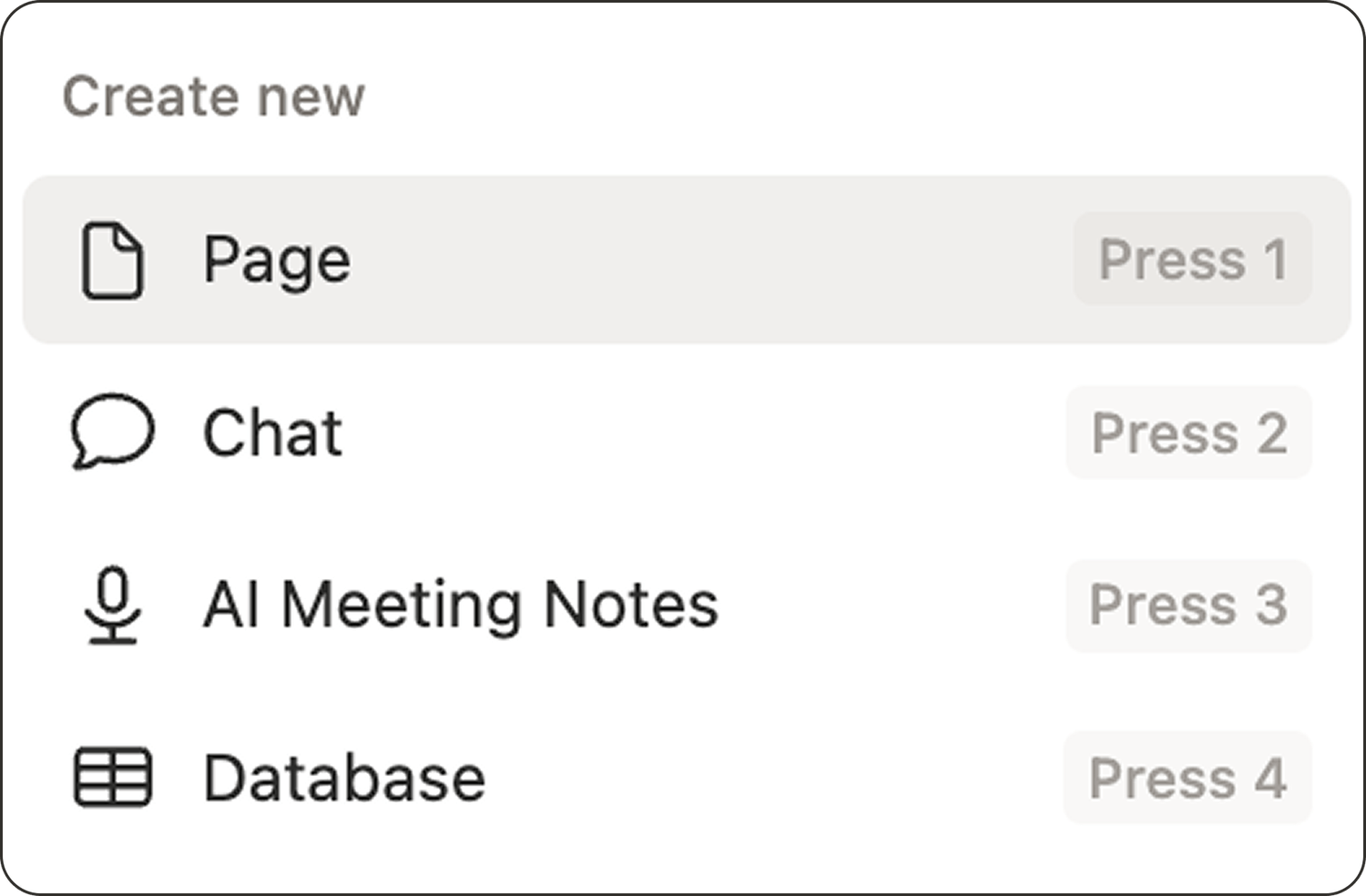
Shortcut: Cmd + N (Mac) or Ctrl + N (Windows)
This shortcut lets you to quickly create a new:
👉 Page
👉 AI chat
👉 AI meeting notes
👉 Database
3. Slash command: the fastest way to build
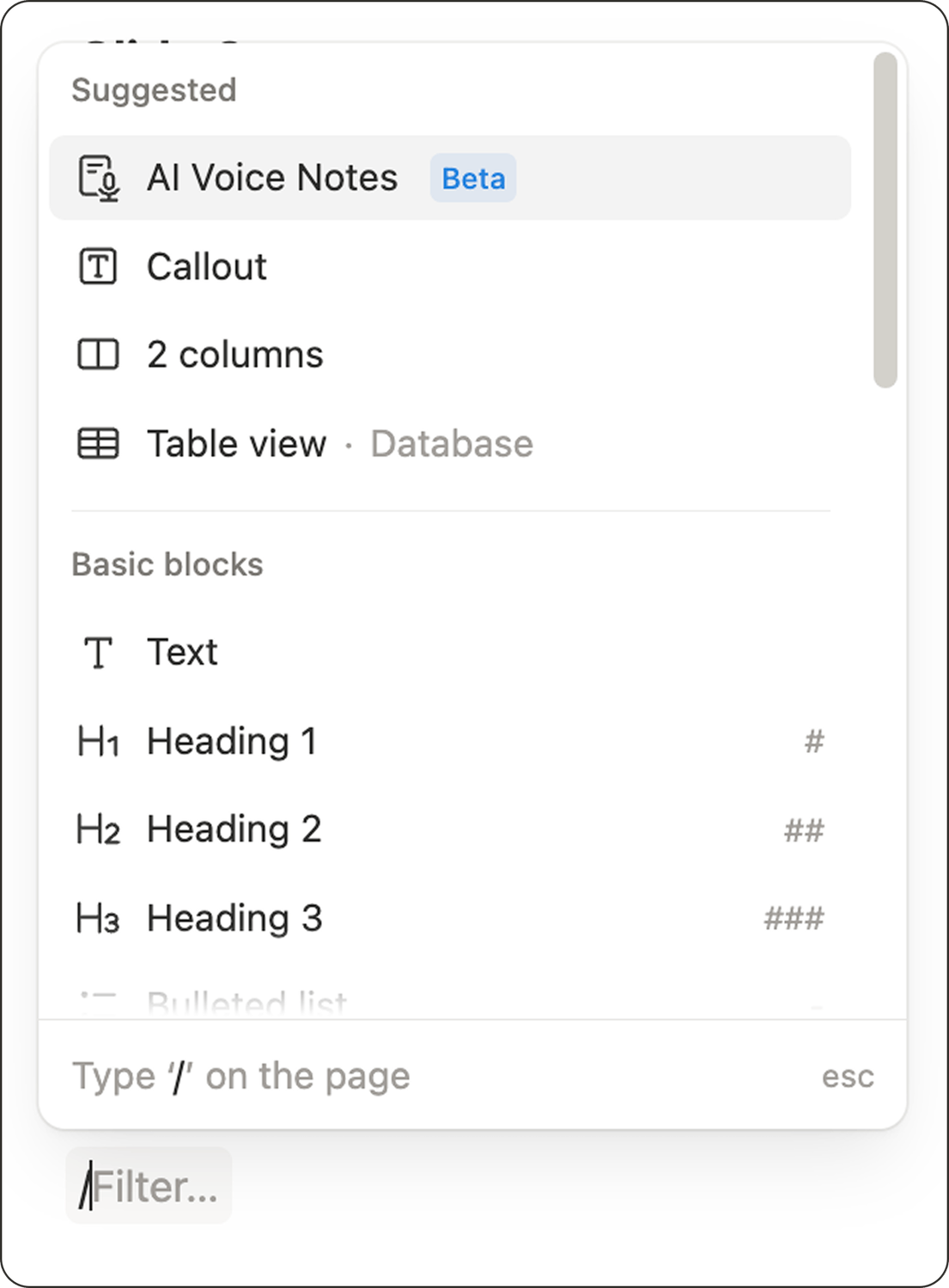
Shortcut: / (type a slash)
The slash command is the foundation of building quickly in Notion. Type / to insert anything into a page: headings, toggles, callouts, lists, databases, embeds, dividers, and more.
4. Insert an emoji: fast and easy
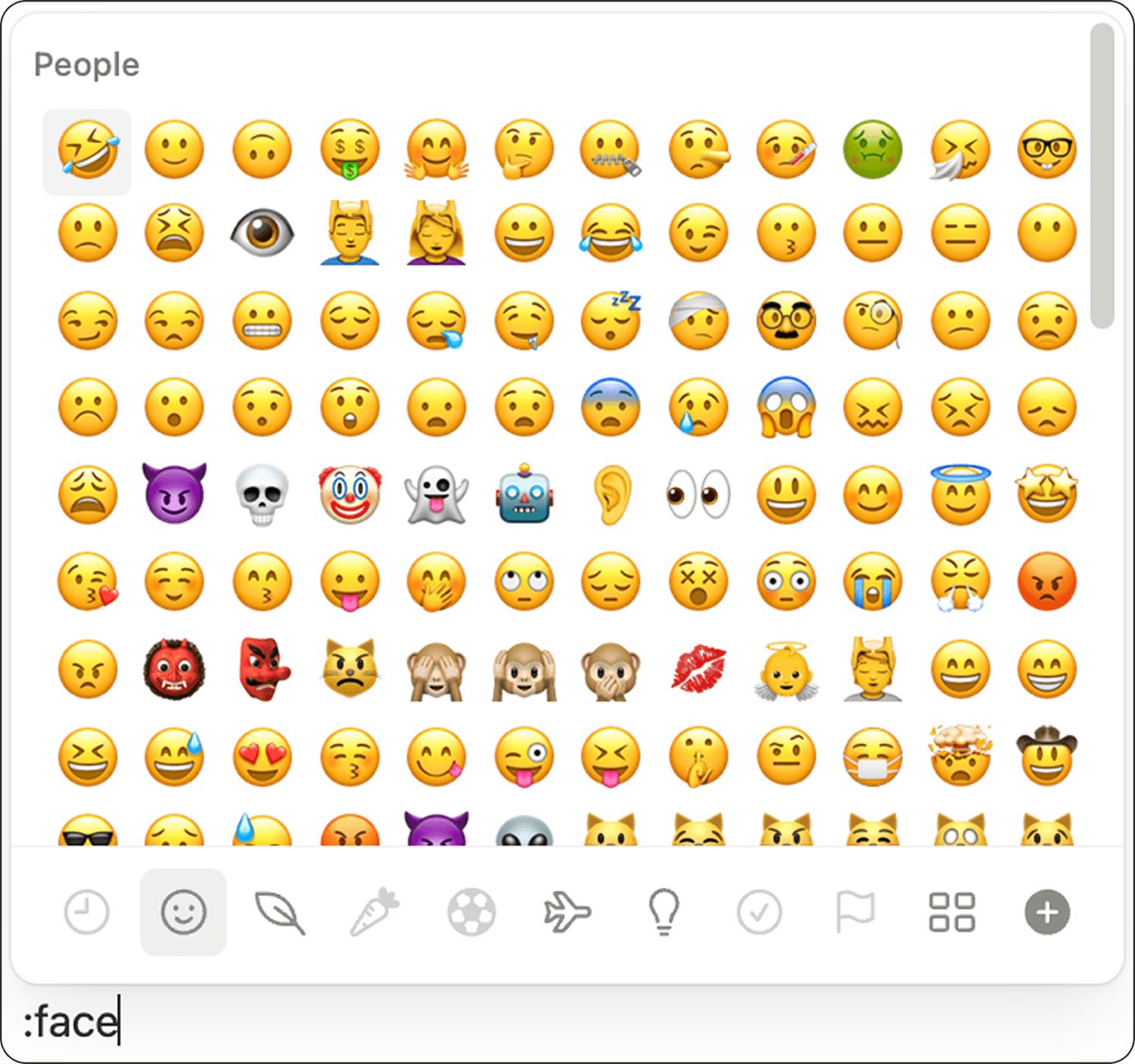
Shortcut: ":" and start typing the emoji name
As soon as you start typing, Notion opens the emoji picker and filters results as you go.
5. Open or close all toggles at once
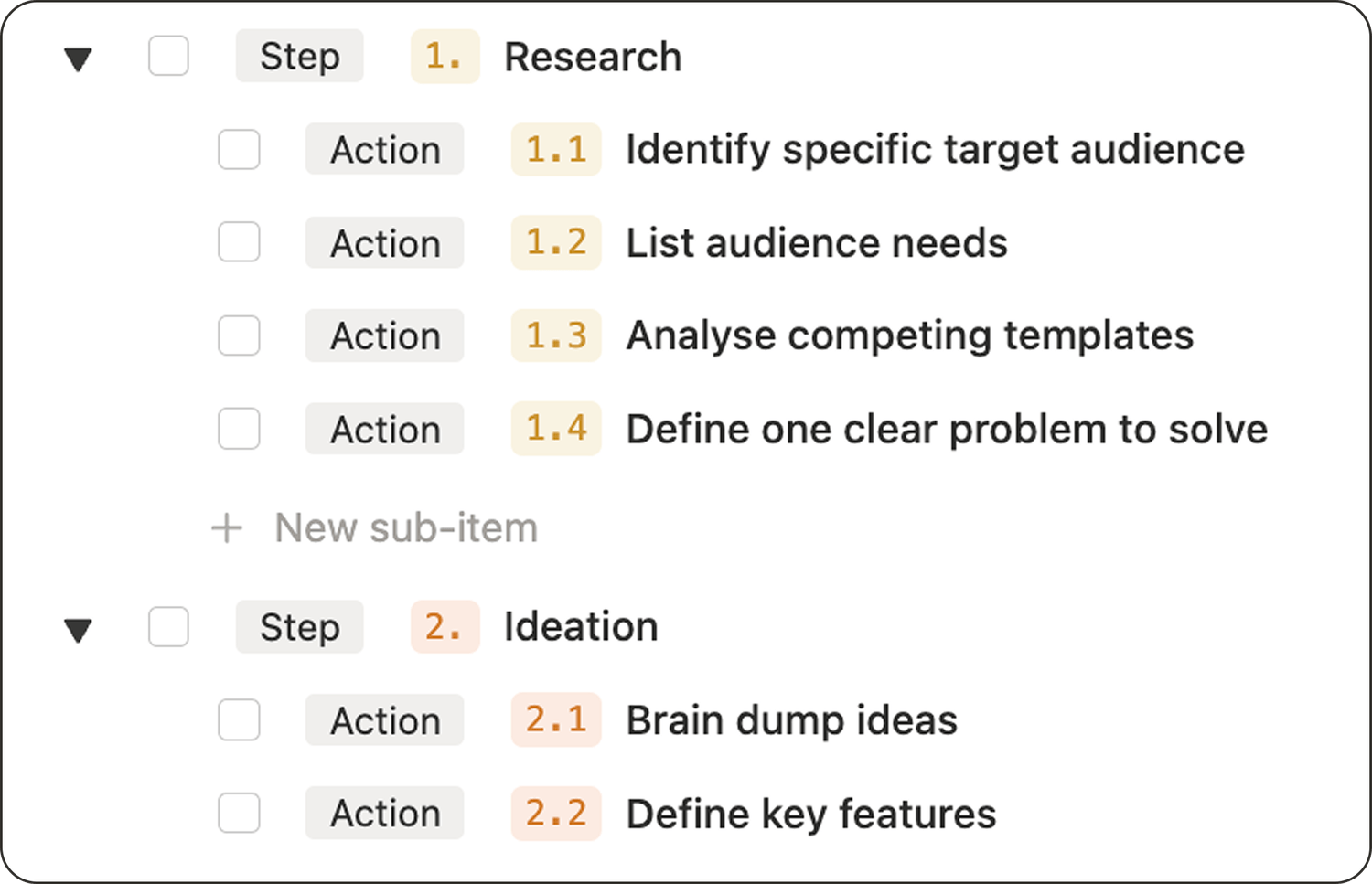
Shortcut: Cmd + Option + T (Mac)
If you use a lot of toggles, pages can get long fast. This shortcut lets you:
👉 Collapse everything to get a clean overview.
👉 Expand everything when you want to scan details.
6. Open a link in a new tab
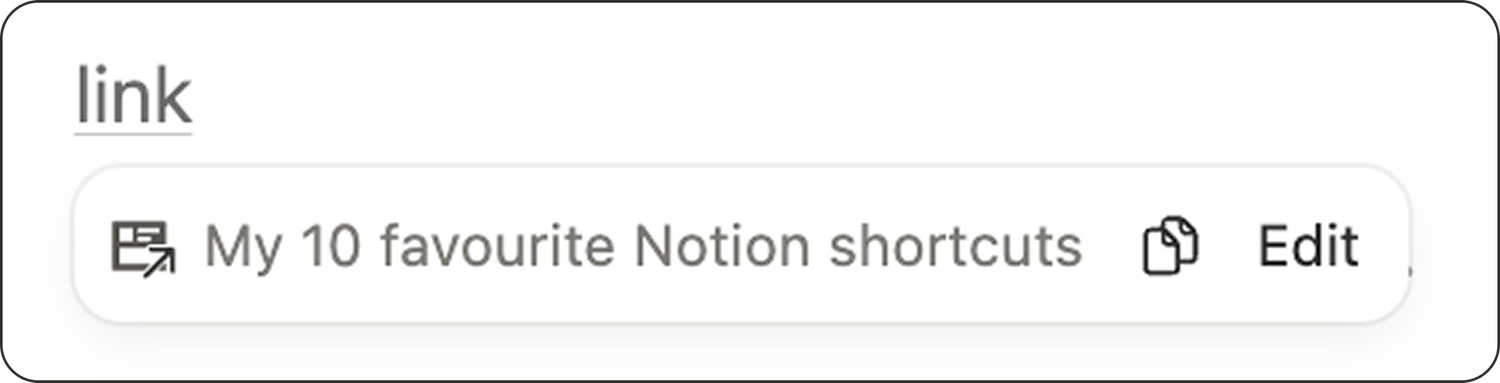
Shortcut: Cmd + Click (Mac) or Ctrl + Click (Windows)
When you want to keep your current page open while exploring, this shortcut helps you navigate without losing your place.
7. Create headings quickly
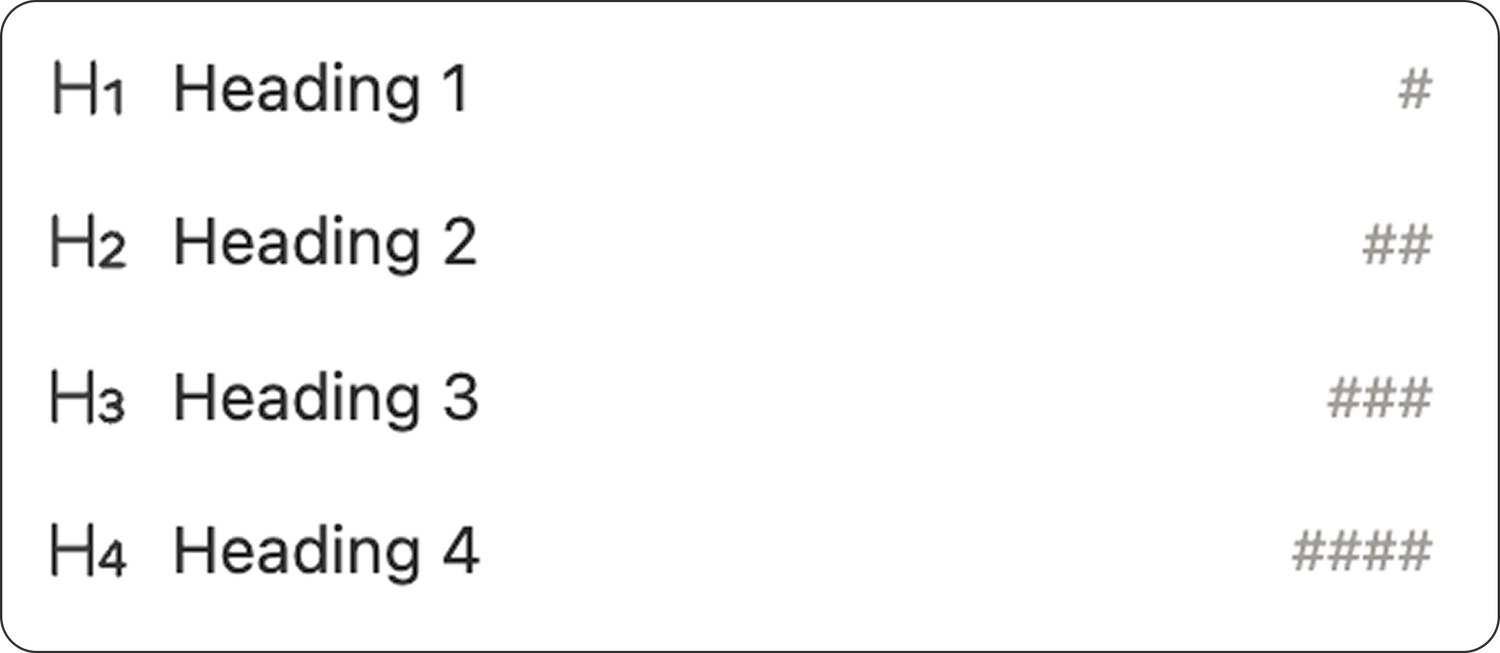
Shortcut: type #, ##, ### or #### then press Space
👉 # creates Heading 1
👉 ## creates Heading 2
👉 ### creates Heading 3
👉 #### creates Heading 4
8. Switch between light and dark mode
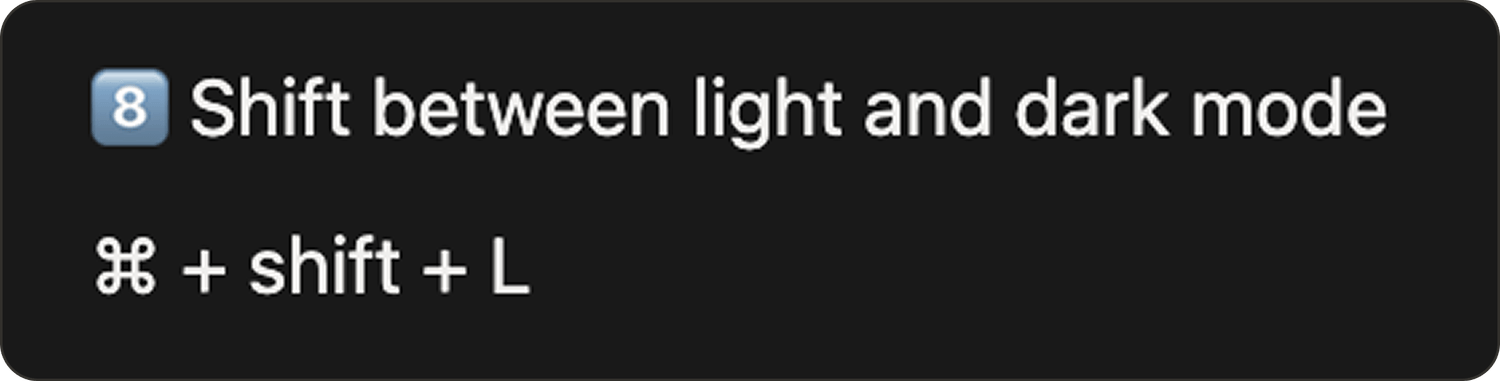
Shortcut: Cmd + Shift + L (Mac)
No need to dig through settings. Toggle light and dark mode in seconds, whenever it feels best for your eyes.
9. Indent and outdent blocks

Shortcuts:
👉 Indent: Tab
👉 Outdent: Shift + Tab
Most people know Tab to indent, but Shift + Tab to outdent is just as useful.
10. Add a comment
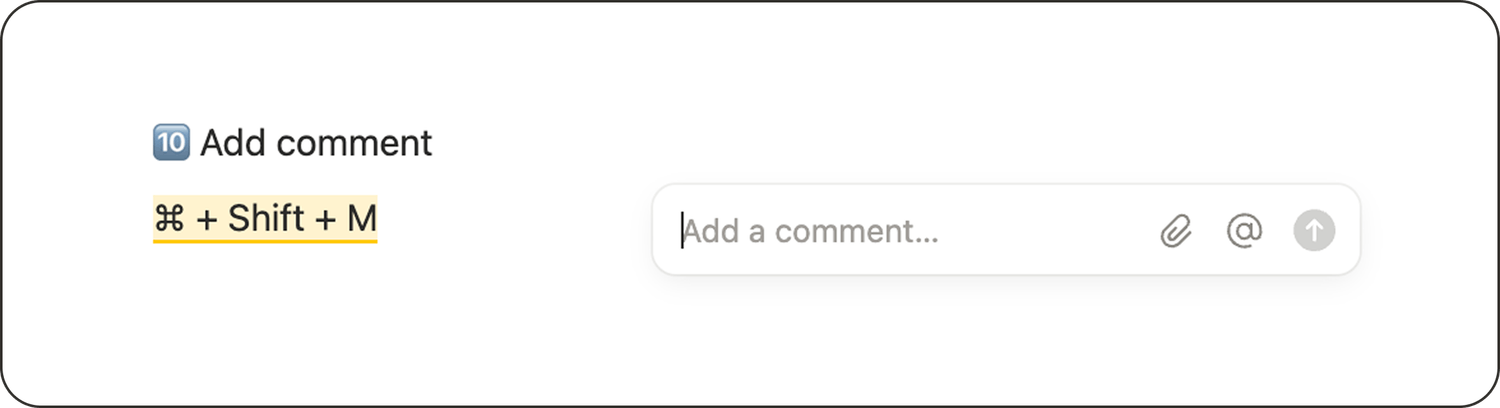
Shortcut: Cmd + Shift + M (Mac)
When you are collaborating or reviewing your own work, comments are incredibly helpful. This shortcut makes adding them effortless.
Latest blog posts
notion by moona
High-quality Notion workspaces for entrepreneurs with high standards.