6 things to check before downloading a Notion time tracker template
You can find a Notion time tracker template in minutes. But choosing the right one is harder than it looks.
Notion Marketplace is full of beautiful time trackers that work, but many are missing small features that make a HUGE difference.
This checklist will help you avoid the most common pitfalls.
1. Is the template automated?
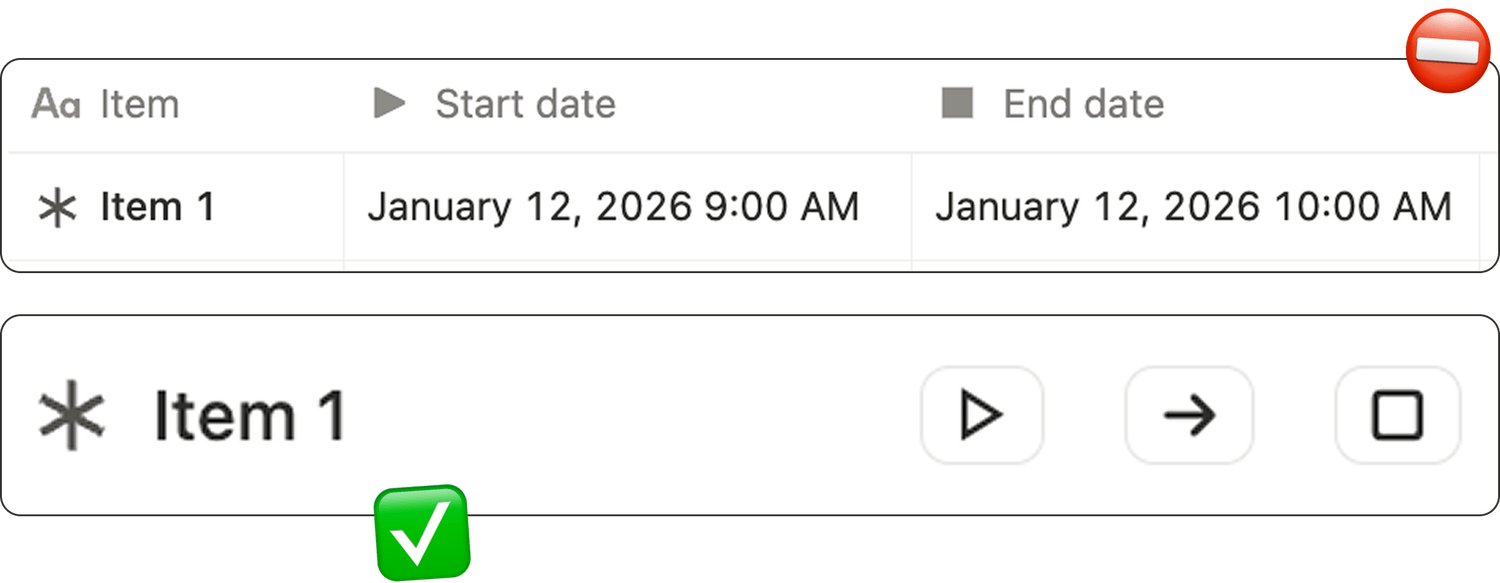
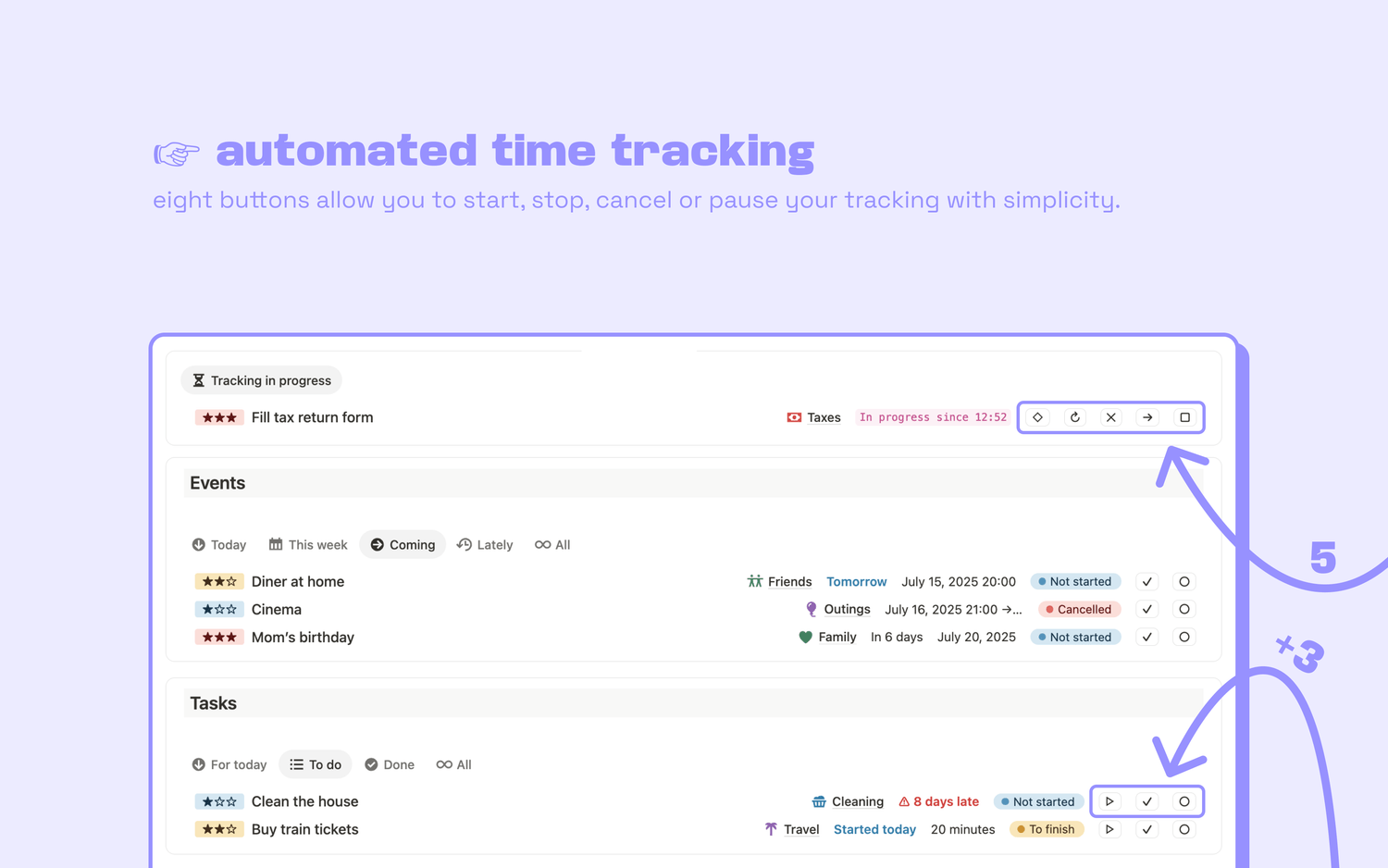
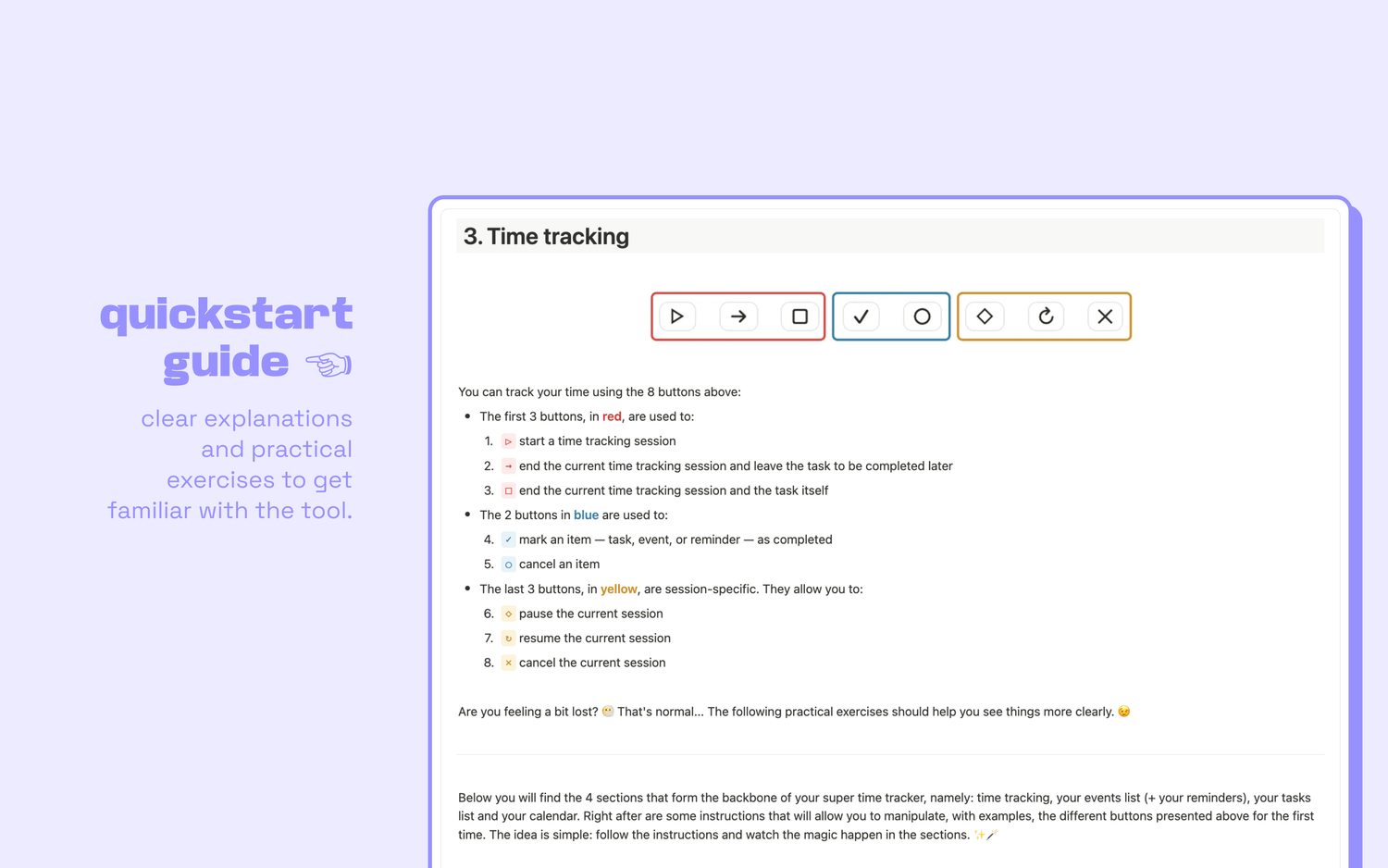
A good time tracker should have, at minimum, start and stop buttons to automate your workflow.
If you have to manually type your start time and end time, your tracking will fall apart.
👉 If there are no start and stop buttons, turn around immediately.
2. Are start and end times saved in a single Date property?
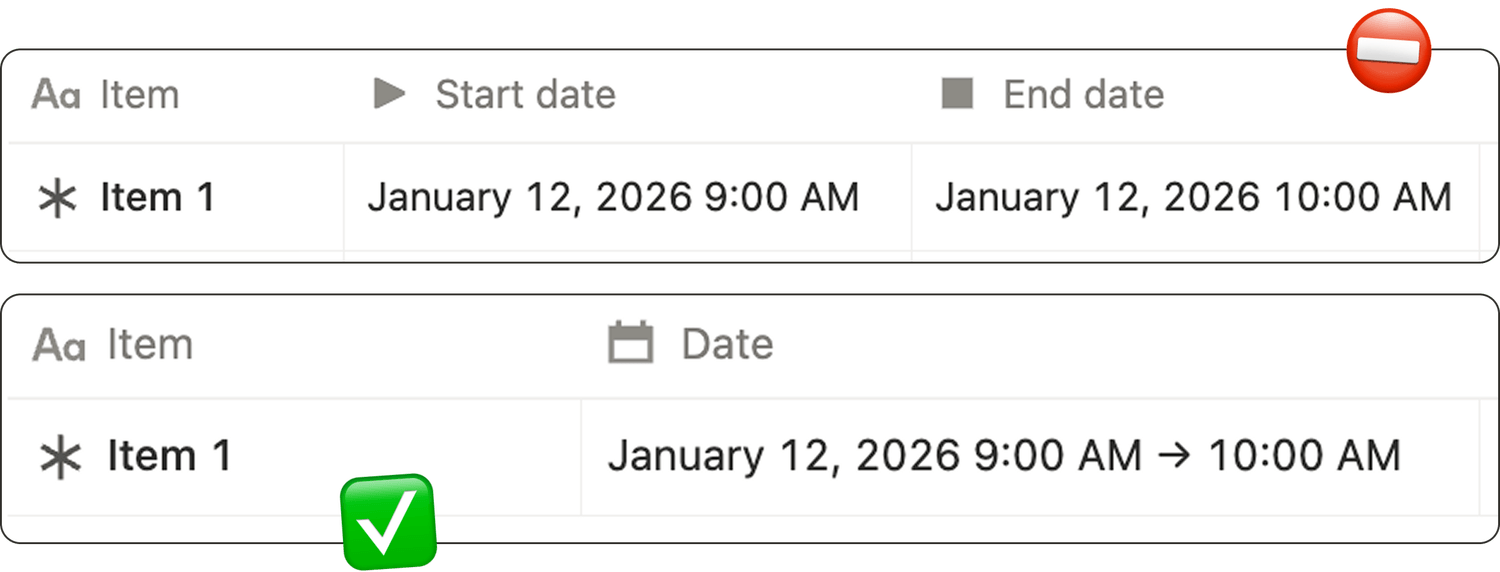
This detail is easy to miss, but it matters more than you think.
Some (most?) templates store the start time in one Date property, and the end time in another.
Why is this a problem? When you separate the start time and end time, your tracking does not show up properly in your calendar, and it makes your timeline harder to read.
👉 Make sure your tracking data is saved in a single Date property that contains both the start time and the end time.
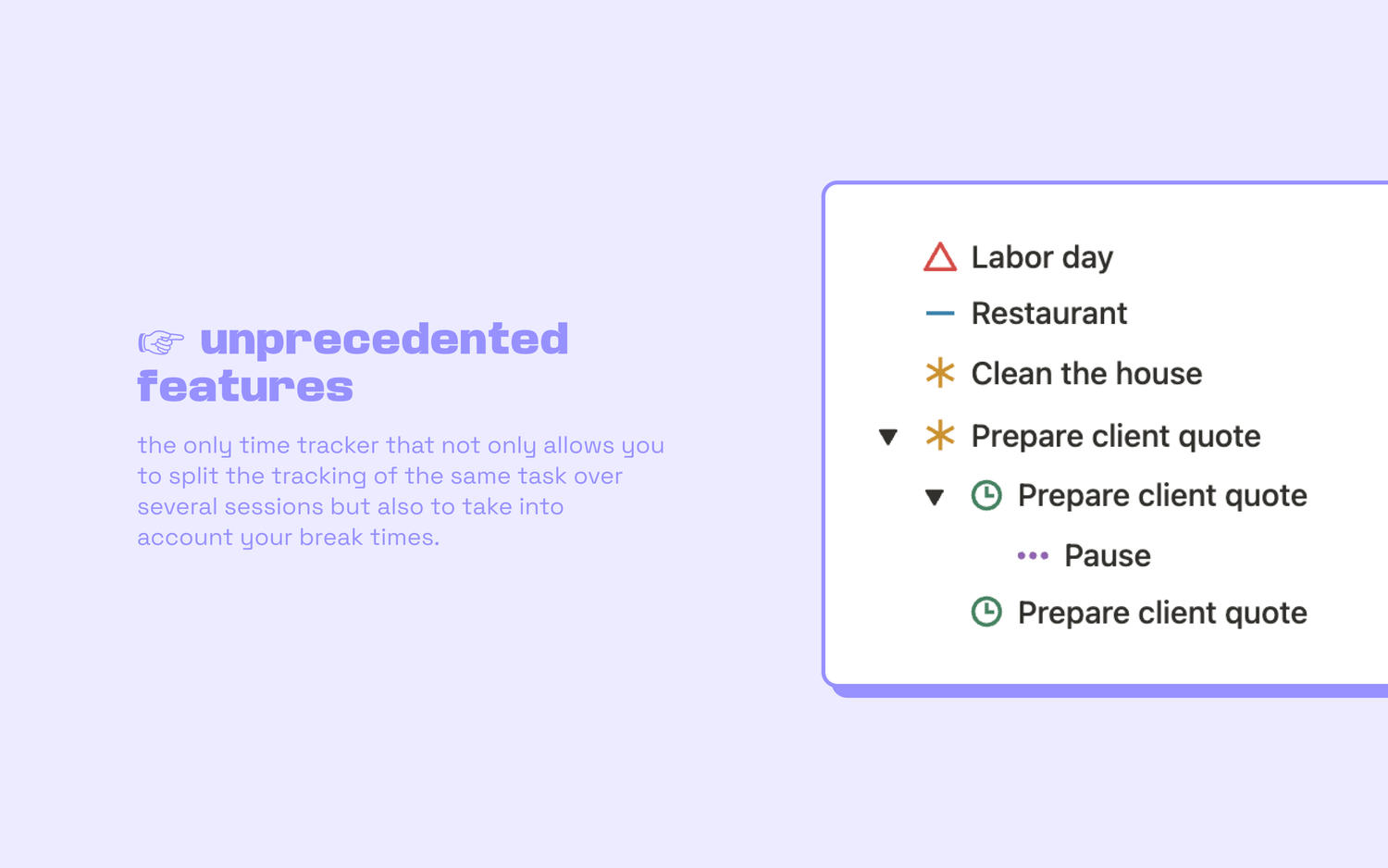
3. Can you pause your tracking?

Real work is not a straight line. You get interrupted, you take breaks, you switch context.
If the template cannot pause, then every pause is counted as work time. That means your data becomes partly wrong, and that is not good.
👉 Good time-tracking templates have a pause mode that stops counting time without forcing you to end the task.
But the truth is… this feature is very rare, even though it is one of the biggest quality upgrades you can get.
4. Can you split one task into multiple sessions?
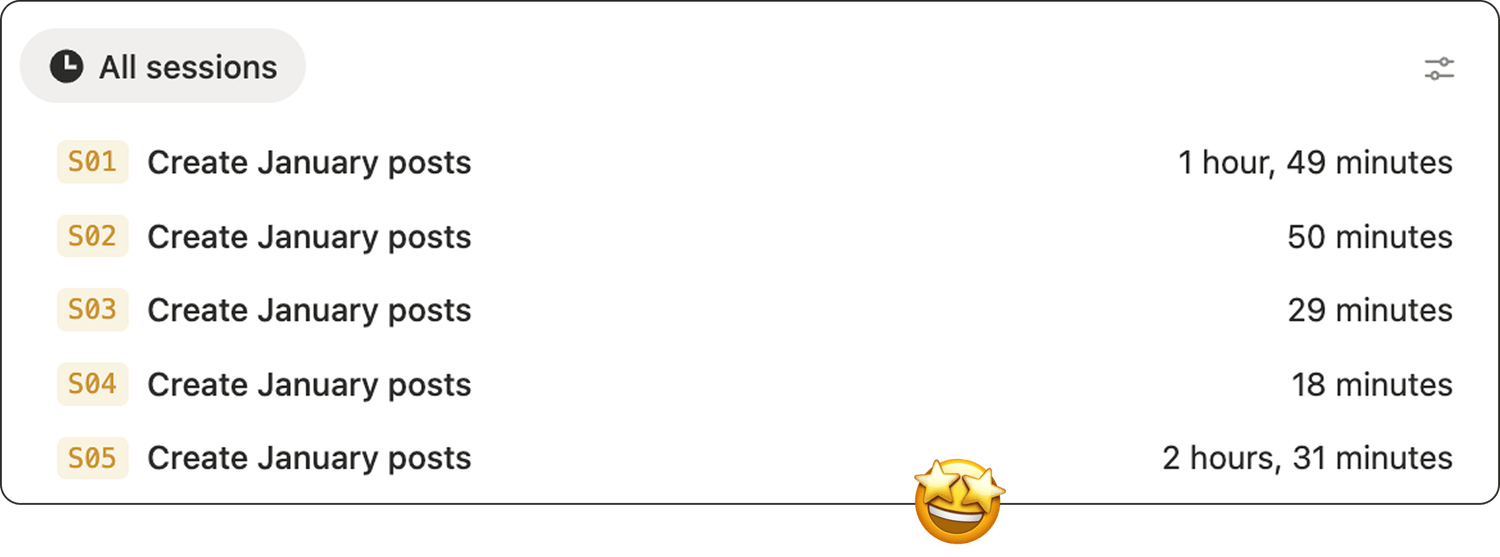
Many tasks are not completed in one sitting.
Without multi-session tracking, you will end up creating duplicate tasks just to track time accurately. That creates friction and makes reporting harder.
👉 Make sure your time tracker lets you track the same task across multiple sessions, with a structure that keeps sessions connected to the original task.
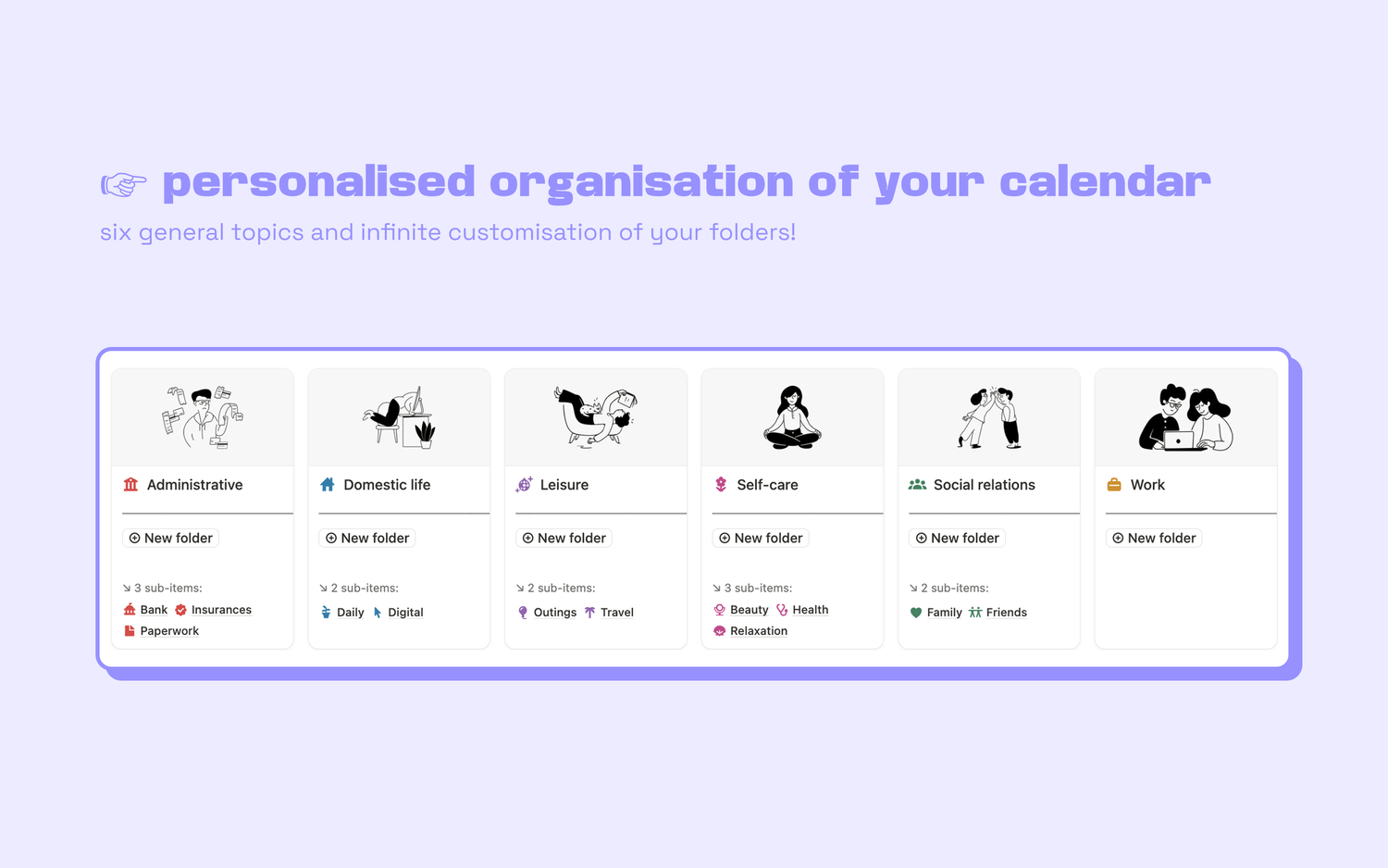
5. Can you organize tasks in a useful way?
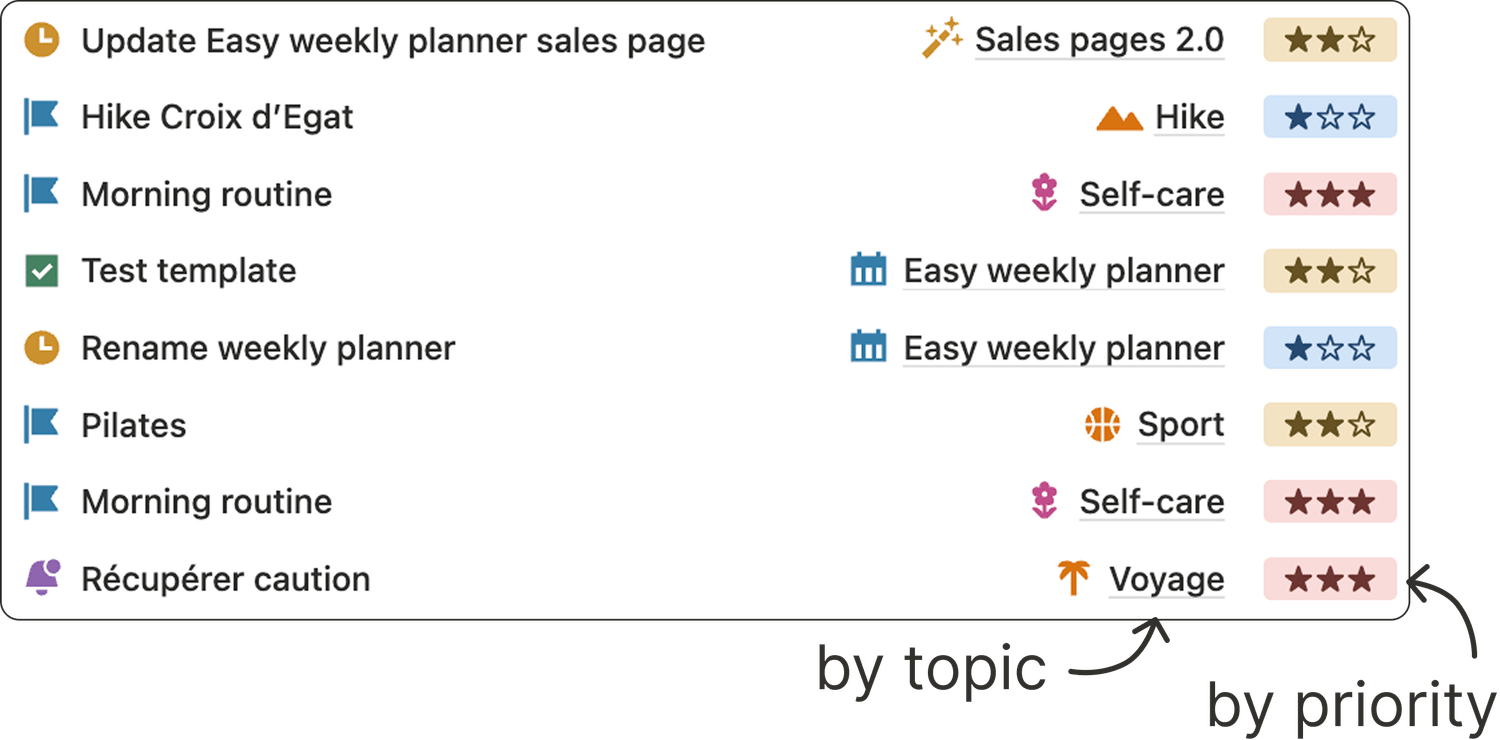
If the template gives you a flat list with no good way to organize tasks, it will not scale.
You need to organize your tasks by priority, topic, urgency…
👉 Look for a template that lets you do that.
6. Can you manage more than tasks?
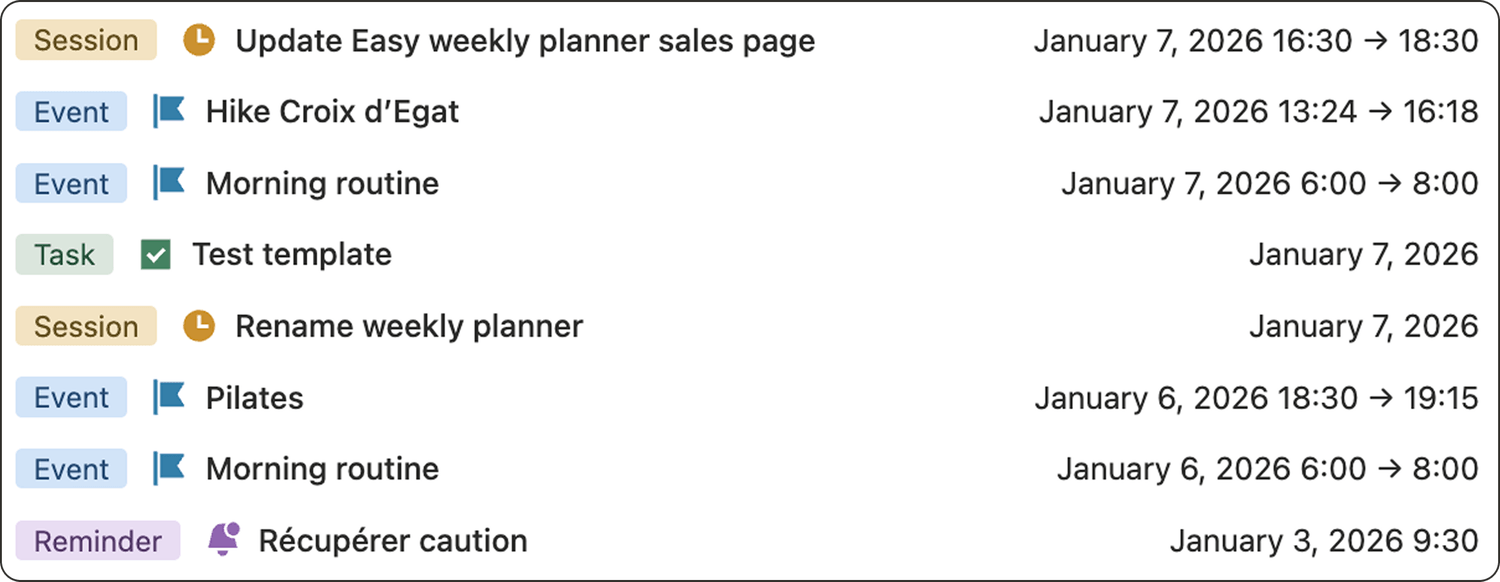
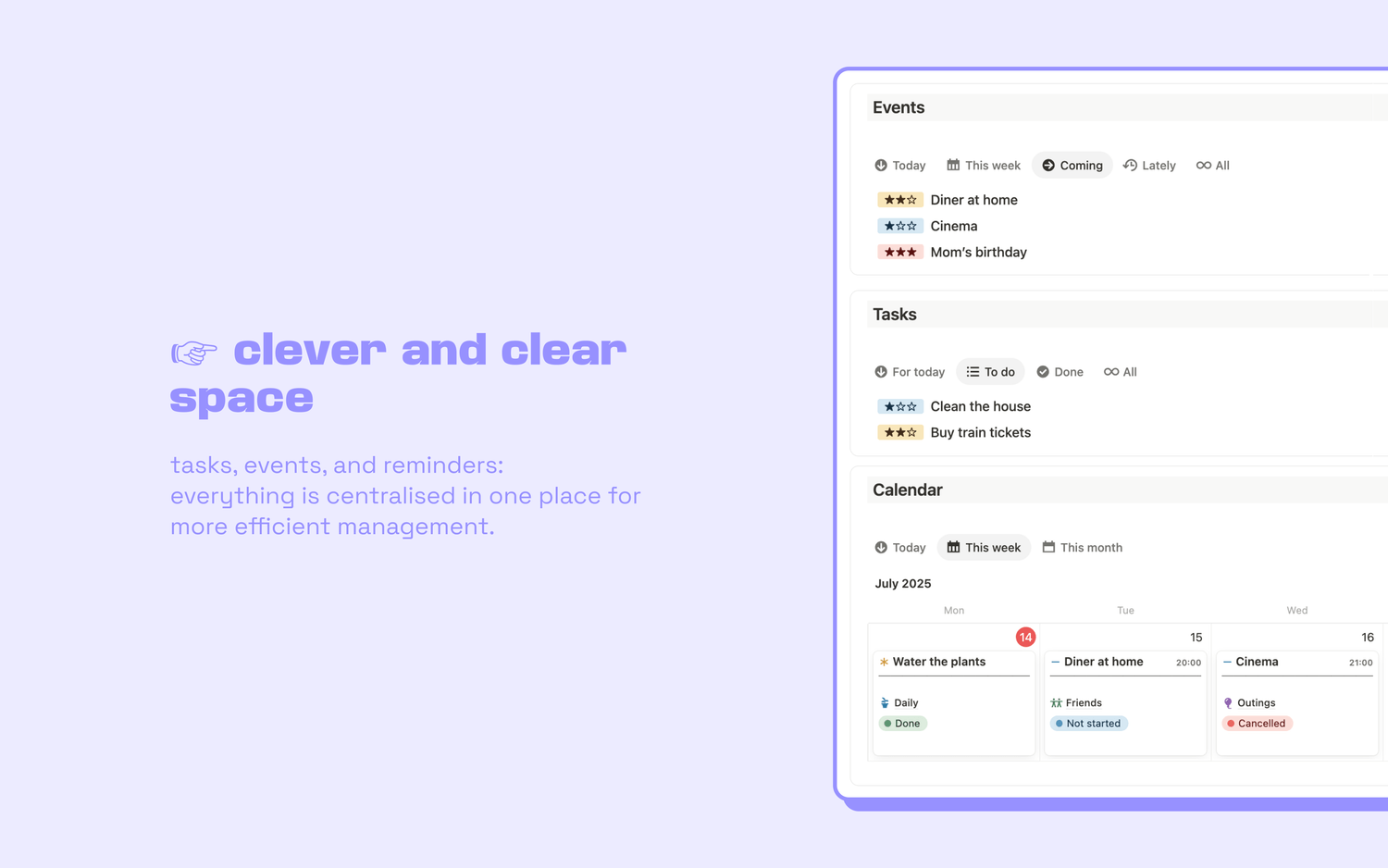
Your week is not only tasks. It is also events, appointments, reminders, and more.
Your template should support that, so you can manage your whole calendar in one place, not just your tasks.
👉 Choose a template that lets you log events and reminders alongside tasks.
These are guidelines, not rules
You might not need every feature. But if you do need them all…
Here is the only template that will deliver them to you:
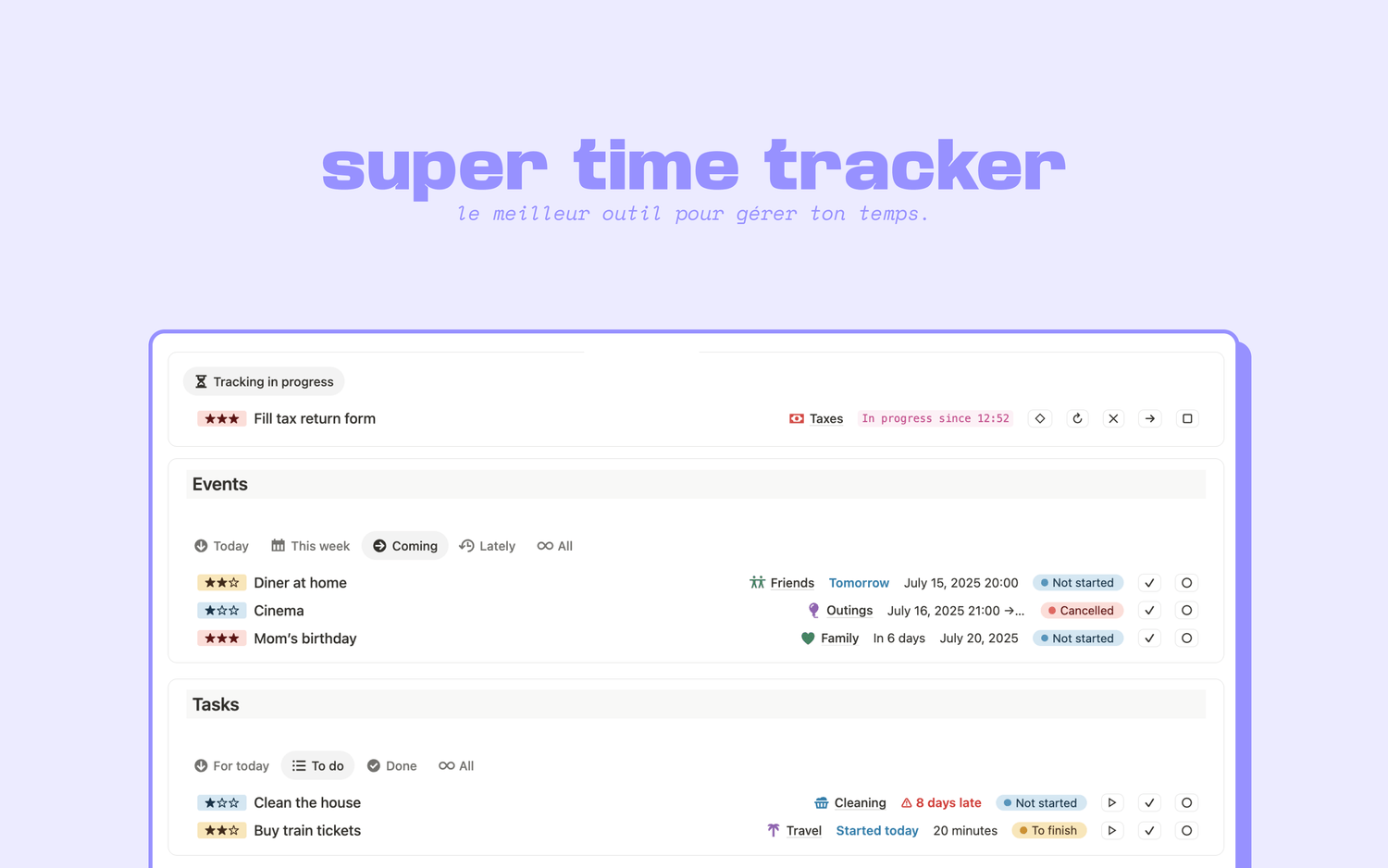
advanced • $8 excl. VAT
time tracker
Latest blog posts
notion by moona
High-quality Notion workspaces for entrepreneurs with high standards.